It’s really too bad that Josh Hamilton doesn’t know how to hit a baseball. And it’s scary how good he might have been if he didn’t have all the personal problems he has had and miss like 6 years of playing baseball because of drugs basically. He’s who I now think of when I think of a real ballplayer that I’ve watched that might be like the guy in The Natural. Him and Ken Griffey Jr.
Author: Munro Stewart
Get help to make life better (Biweekly)
Life Scholar • Human Uplifter
World Philosopher • Movie Picker
Tech Strategist • Music Curator
Sport Analyst • Journal Archiver
Apple Hardware Predictions For 2012
Here are 5 predictions for Apple hardware and devices that could be released this year at various Apple events. I'm leaving out any thoughts about an Apple TV, partly because my guess is that it still might not come this year.
1. iPhone 5
Apple releases iPhone 5 in July with 4.6 inch screen and all new 1280 x 720 resolution display with new aspect ratio and curved glass. If they keep the same aspect ratio as the iPhone 4, the resolution would be something like 1200 x 800. Either resolution would have 300+ ppi display, which is similar to the iPhone 4. Previous iPhone apps would work at their original resolution covering only 3.5 inches of the screen and all new apps for iOS 6 would fill the screen. 4.0 inch display for the iPhone with the same 960 x 640 resolution is my second, more realistic guess, and much more likely.
2. iPod Touch 5G
iPod Touch released in September with same sized screen as iPhone 5 and a 3-5 megapixel camera. Possibly renamed to simply iPod. Likely won't happen but could finally get GPS and 3G version with some kind of data plan or new type of 3G plan that pleases carriers enough to make some money off iPod users while encouraging most people to still get an iPhone because of LTE or better and more powerful cell plan features.
Blue Jays Spring Training Record
After winning yesterday here is the Blue Jays record so far in spring training. They've just won 8 in a row and have 7 games left.
- 20-4 - .833 - TOR - 2012
Here are the 4 best records in spring since 2003. These are the only records above a .700 winning percentage. Also, the least amount of games lost by a team in spring in those years is 8.
- 26-9 - .765 - LAA - 2009
- 20-8 - .714 - TB - 2010
- 24-10 - .706 - NYY - 2009
- 19-8 - .704 - KC - 2003
Also this article says that spring can mean something, at least when you look at all the records combined. It doesn't mean the Blue Jays will have a great year but according to this article if they have the best record in spring they probably have a good chance of at least having a good season and finishing over a .500 winning percentage.
Spring training records really matter
Well, a 10-year look (it didn’t take me 10 years to do it, I just looked at numbers over a 10-year period!) at MLB’s spring training records reveals some interesting trends. You might have heard that “the numbers never lie;” the numbers I discovered should give baseball fans a little more reason to pay attention to spring training standings.
Here are some of the tidbits that I unearthed while looking at spring training records over the past 10 years:
• Out of the past 20 World Series participants since 2002, only six had a spring training record worse than one game under .500.
• Seven of the 10 teams that had the worst overall spring training record went on to finish last or next-to-last in their division that season.
• Only two of the 11 teams (two teams tied one year) with the best overall spring training record had a losing record that season.
Little Black Submarines Review
Little Black Submarines - The Black Keys - 9/10
Little Black Submarines by The Black Keys really deserves to be an epic song of about nine minutes long. That’s why they aren’t Guns n' Roses or Queen. It’s typical Black Keys. At just over four minutes it’s long for a Black Keys song and hits hard and fast once it gets going. By the end of it you think you’ve heard about four different songs and all the guitar riffs leave your head spinning with more pleasure than a kid playing with a toy top.
Could Apple Make A Pocket Size iBook?
- If Apple does release a new 5-7 inch iPod Touch this Thursday I think it could have a resolution of 1920x1280.
- That would be double the current retina display. All of the iPhone apps would work on it, but not the iPad apps.
- A possible name for the device could be iBook, the name previously used for their consumer and education focused laptops in the early 2000s.
- If they release an iPod between 4-5 inches it will probable stick with the same 960x640 resolution.
Blue Jays Logo Changes
And here is a look at the Jays logo changes over the years. I wonder if the 90s and 2000s will be known as years where designers and everyone else tried to be extra cool, but we go back to designing classic, simple looks over the next 20 years. I guess we’ll always need a bit of both; new and old. But in this case, I sure like the simple classic looks the best.
Blue Jays New Uniforms Look Great
I couldn’t be happier with the Blue Jays new logo and uniforms. Best decision they could have made. I never liked any of their designs in between the classic uniforms and this new update to it. Good chance I’ll be buying some new Blue Jays apparel come next year. Goodbye Ricciardi era, hello Anthopoulos era.
Airplay TV Or Simply Apple TV
This is a response to a great blog post by Joe Hewitt entitled Airplay TV.
Thoughts
- I agree that it won't matter if people have cable or DVDs in the future when the real IPTV comes, which looks to be more about apps on smart TV devices which could eliminate the need for a traditional set top box with "On Demand" or "IPTV" services.
- However, I wonder if Airplay isn't just a temporary solution, though a pretty good temporary one.
- The real improvement to some of the limitations he talks about may come with a new version of Apple TV that doesn't need Airplay and another iOS device to work, but just works on its own with its own user interface improvements.
That Apple TV May Have The Following
- A wand gyroscopic remote with trackpad.
- A version of iOS with an improved user interface which works with the remote from 10 feet away.
- Its own App Store for apps and games which work with the remote.
- Possibly a "TV" app that has a guide with content providers for live channels as well as previous archived shows for a price.
- Possibly a camera and microphone for FaceTime and Siri input as well.
The Wand Gyroscopic Remote May Have The Following
- A single power button to turn on the TV.
- Tilt up, down, left and right to highlight items on screen.
- Other waving gestures could perform different commands.
- Trackpad to perform clicks and other gestures with thumb.
- Possibly a touchscreen on opposite side of trackpad for keyboard, landscape game controls, and other controls when needed.
- Possibly remotes that include the touchscreen on the opposite side could be sold as an accessory since the cost would be more than with just a trackpad and people would need multiple gaming remotes.
Sports Stars Names Then And Now
Realized one interesting difference between sports stars from 20 years ago and today. They used to be known or referred to by their last names instead of first names or hyphenated names. Gretzky, Jordan, Bird, Bonds, Griffey vs Sid, Lebron, A-Rod, Pedro, Tiger. Miss the old days when the coolest name for someone was just using their last name.
Good News For Cubs Hiring Theo Epstein
Just heard that the Cubs have hired GM Theo Epstein away from the Red Sox. My first thought is that he will do what it takes to sign Albert Pujols and make him a Cub. They probably weren’t really in the hunt for Pujols but my hunch says he wants him and could get him since the Yankees have Teixeira, the Red Sox have Gonzalez, and Fielder is also a free agent for another big market team to get.
Make Blog Posting Easier
I expect that I am going to be writing posts to this blog more often. It's not that I have a whole bunch of more ideas that I want to post. I do have a pretty big list of ideas to write about which I have kept for a couple years even though I haven't written many posts yet. It's just that I've been thinking about writing on my blog a bit more and realized that the biggest reason I don't write on it is because it takes me too long to make a post. So I've decided if I actually want to use my blog a bit more, which I do, that I will have to make it simpler to make posts.
Ways I Will Make It Simpler To Post To My Blog
1. I Removed All The Pictures And Won't Be Using Pictures
Having pictures really makes a blog better for people who are reading it. But this blog is more for me to write down my ideas and thoughts anyway. Not having to deal with making pictures for all the posts will save me a bunch of time and will allow me to quickly make posts. When I removed the pictures I also went through my blog posts and formatted them all similarly and decided on how I would format my new posts. I won't have to think about adding pictures or formatting my posts anymore, but can just focus on what I want to write.
Toronto Blue Jays Strategy Path 2011
Here are a few different predictions I have about the Blue Jays lineup for 2011. I haven't heard anyone talk about some of these possibilities at this point. A couple of these predictions are somewhat unlikely but I think there is a chance they could happen. These changes to the lineup are based on the Blue Jays having their current roster of players and working with what they have. If they make any other offseason moves it would obviously change the lineup and what lineup they go with. Also, I think the batting order will change quite a bit depending on who does well. Now onto what I think the Jays could do with their current roster for the 2011 season, beginning with the most unlikely.
1. Rajai Davis Starts In Center And Vernon Wells Moves To Right
People have mentioned other possible lineup changes but nobody has mentioned moving Wells. This would give them a better defense than Davis in LF and Snider in RF I think, and before last year there was talk about Wells' declining defense. They traded for Davis and he could just be a 4th outfielder, but if they actually traded for him you have to think they like him quite a bit. If they really want Davis in the lineup it would be gutsy to go ahead and move Wells to RF because this would give them the best defense and lineup with the players they currently have. Davis has more speed in CF than Wells but has a poor arm so can't play RF and it would mean he is at the top of the lineup every day. Snider in RF and Davis in LF of course is more likely so as not to upset Wells but I think there is a chance they could do this.
Use A Journal For Goals
So as it turns out I haven't used this blog very much or made many posts. Honestly, it isn't very surprising. I knew I may not use it very much. One of the reasons I don't post too much to it is because I'm never sure exactly what types of things I should write on it or how much I should edit myself. But now I know that my main reason for originally making this blog isn't really going to work out.
My first post to this blog explained the reasons why I was creating this blog. My plan was to keep an online journal about my goals and I was going to keep it simple. I would make the format somewhere in between a Twitter log and a long format blog. I would post little updates about my goals often. However I realize that I don't really want to do that publicly. Of course it should be obvious because I never did post anything about my goals. Anyway, instead of writing about my goals on this blog I will be writing about my goals more often in a personal journal. Here are a few of the reasons why.
Reasons To Write About My Goals In A Personal Journal
- I censor myself when writing about my goals on a public blog.
- I prefer to write about my goals privately for the most part.
- I can write more often about my goals and not worry about grammar in a personal success journal.
- People don't want to read every detail about my personal goals and life.
- I like to sound somewhat good on a public blog and edit what I say.
- I want a place to write about my interests, thoughts, and ideas instead of my life.
- I can still update people on my goals and life once in awhile on my blog.
Predictions For Apple's Fall 2010 Event
Here are some predictions for what I think could be launched at Apple's next media event. Most likely Apple will have an event to announce some media hardware and software like iPods in the fall of 2010 sometime around September.
1. The Entry Level iPod Touch Will Become More Affordable At $150 Or Even $100
I think Apple wants to get everyone onto their iOS mobile devices which basically includes the iPhone and iPod Touch. The main reason for this is they can sell apps, games, books and other content on these devices and they can really only sell music on the older devices like the iPod Classic and iPod Nano. Because of this I think they will drop the price of the entry level iPod Touch even more. Of course this would cut into the price of the iPod Nano which I'll talk more about in a bit. The iPhone 4 may be quietly updated with a 64GB version replacing the 32GB version too.
- iPod Touch 3GS - 16GB - $150
- iPod Touch 4G - 64GB - $300
- iPod Touch 4G - 128GB - $400
2. The iPod Classic And Possibly The iPod Nano Will Be Discontinued
I think the iPod Classic will finally be discontinued since the iPod Touch will now have a flash hard drive with 128GB of memory. It's pretty remarkable as it will truly be the end of an era for the hard drive based iPods without a touch screen which started 9 years ago in 2001. I also think that eventually the iPod Nano will be discontinued. My guess is that once the base iPod Touch hits the price of the iPod Nano at $150 it basically makes the iPod Nano redundant. I think that may happen this year, and if not in 2011.
Why People Will Buy Tablets
This is a respone to an article titled 'The world doesn't need an Apple tablet, or any other', by Joe Wilcox of BetaNews.
It's an interesting article where he basically states that tablet computers can't become as popular as PCs, laptops, mp3 players, and smartphones, because it is a niche product and is too much of a middle product between laptops and smartphones. He has some interesting points. Tablets have definitely had trouble becoming mainstream devices and part of that problem has been overlapping market segments and the fact people may not buy four separate computers including a desktop, laptop, tablet, and phone.
I disagree with his article though. The main reason that I believe tablets will succeed and become popular is because I think they will replace laptops for regular users. It's that simple. Eventually, a typical home user will have a desktop all in one computer, a tablet portable computer, and a mobile smartphone. They may have only one or two of them. So the addressable market is anyone who currently owns a laptop or netbook. Below are some points answering some of the questions he poses. These advantages that a tablet has over a laptop and other reasons are why I think Apple's tablet and other tablets will replace laptops and netbooks.
I Finally Created A Blog ⎯⎯⎯⎯
Hello World! Welcome to my blog. I've wanted to create one for quite awhile and I've finally done it. I have no idea how long I'll keep it going or how much I'll write in here. But here are some of my reasons for creating the blog. This first post will be a good reminder to myself of why I want to write in this blog and what kind of things to write about.
Reasons I Created My Own Blog
1. To Write About My Goals
This is my main reason for creating this blog. I'm very into being organized, setting goals, and creating habits. I've read books like "The 7 Habits of Highly Effective People" and "Getting Things Done" that have helped me very much in my life. I've read a lot of articles on websites like Lifehack, Lifehacker, Zen Habits, and many others. I always keep lists and notes on my mobile computer, which used to be a Palm Z22 and is now an iPod Touch. I've reached some important goals in the last few years. Lately I've had a hard time getting motivated enough to work on an important goal. I keep reading about how one of the best habits you can get into besides creating the habit to spend time working towards the goal every day is to tell people about your goal or journal publicly about it. So I finally decided to make this blog so I can write publicly about my goals and the progress I'm making or not making. Hopefully writing about my goal will keep me thinking about it and motivated to achieve it.
2. Creating A Blog Was A Goal
I've kept a list of goals and projects in some form or another for years now. I change the goals on the list a lot, and take many goals off when I feel they aren't that important. But creating a blog has stayed on that list so I'm completing a goal just by creating this blog.
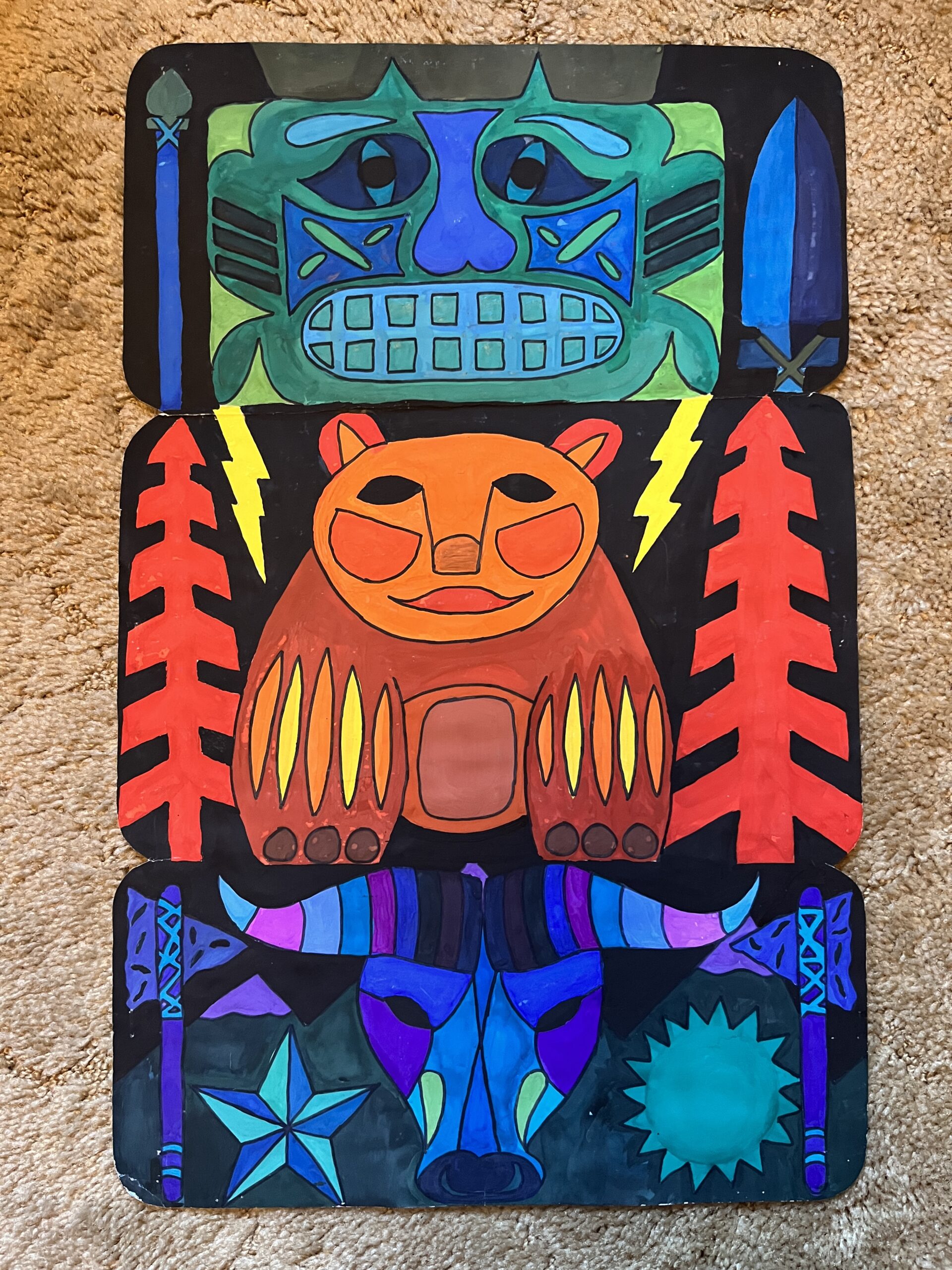
Totem Pole
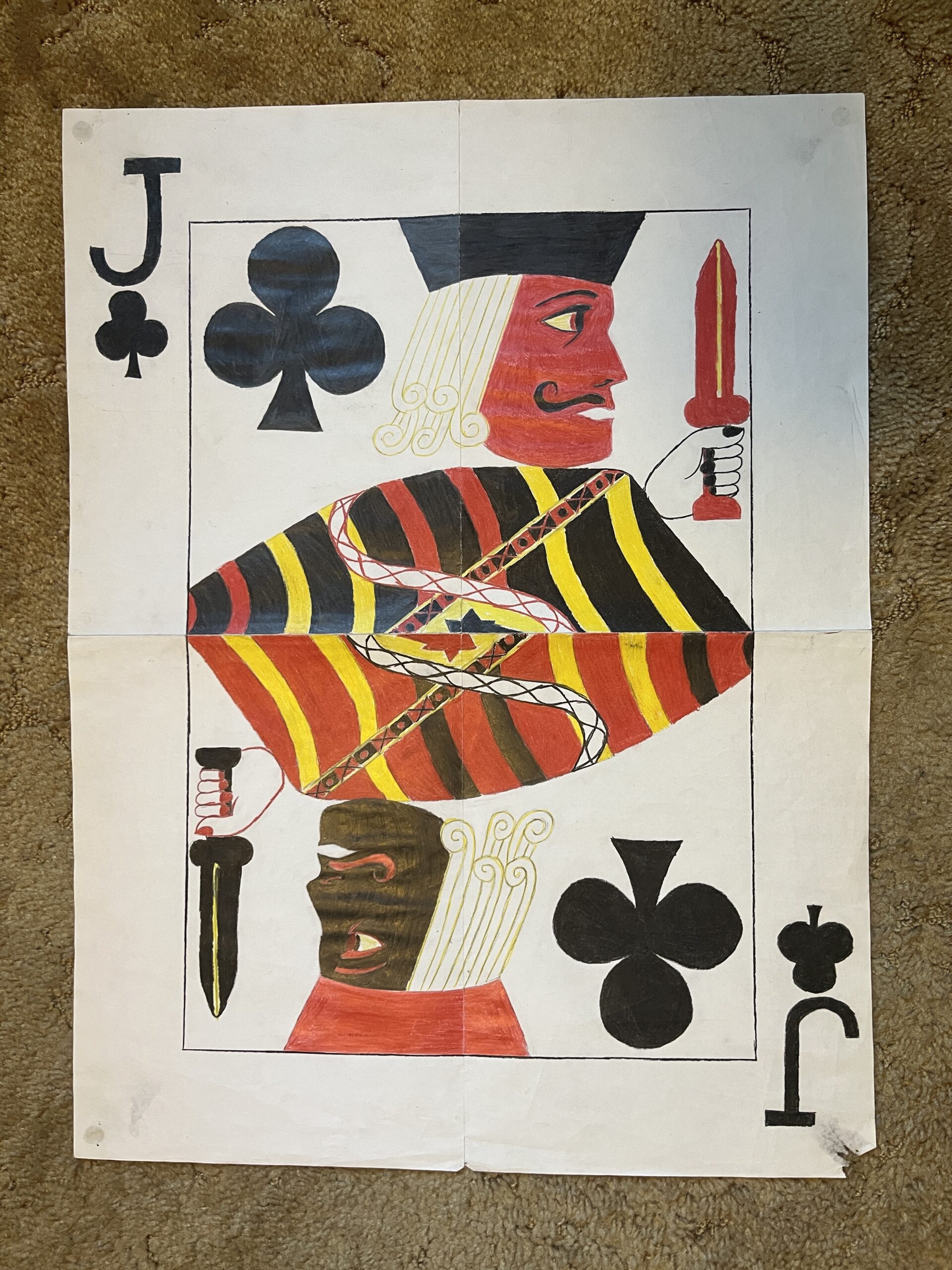
Jack Of Clubs
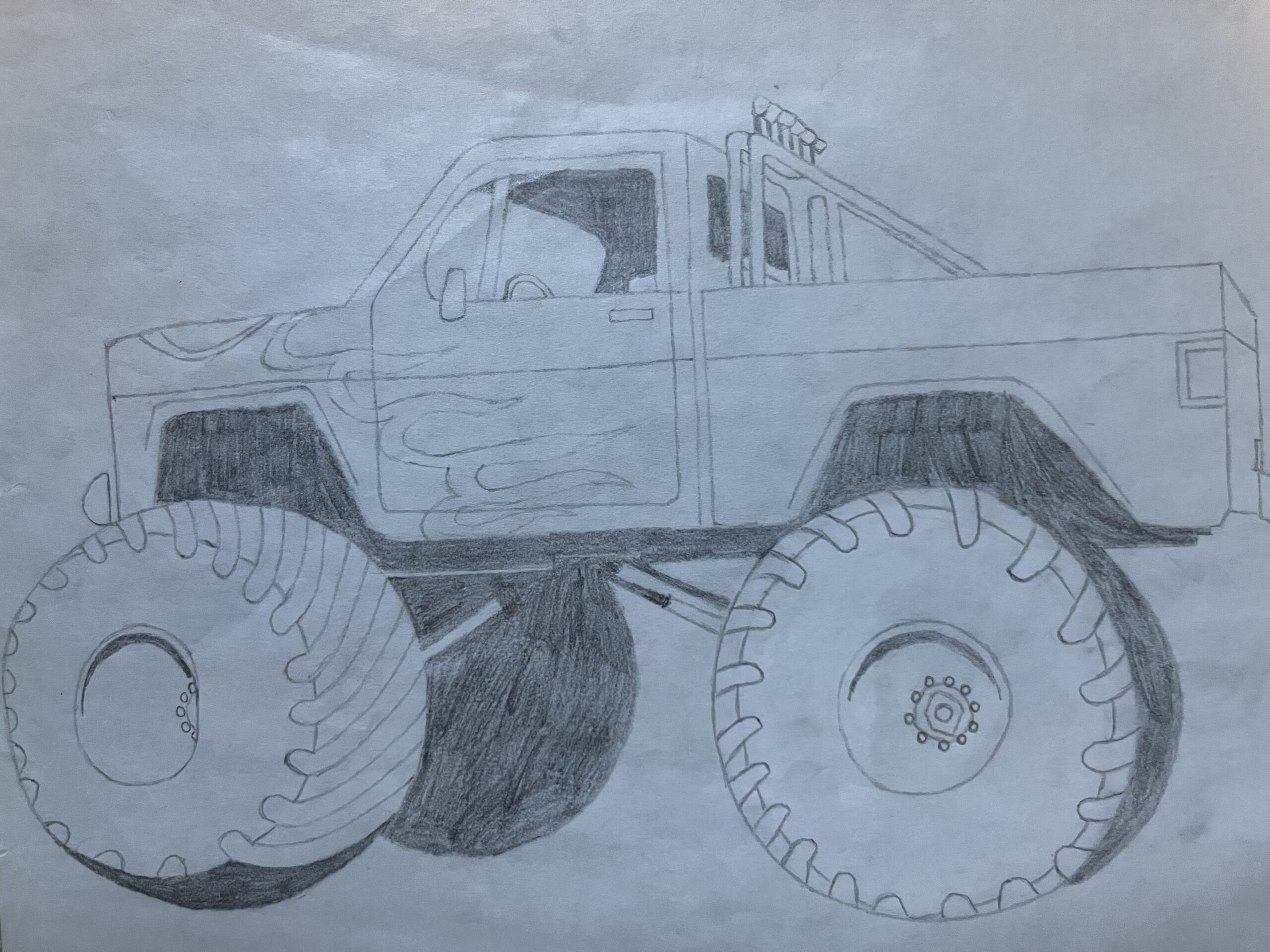
Pickup Truck Fire
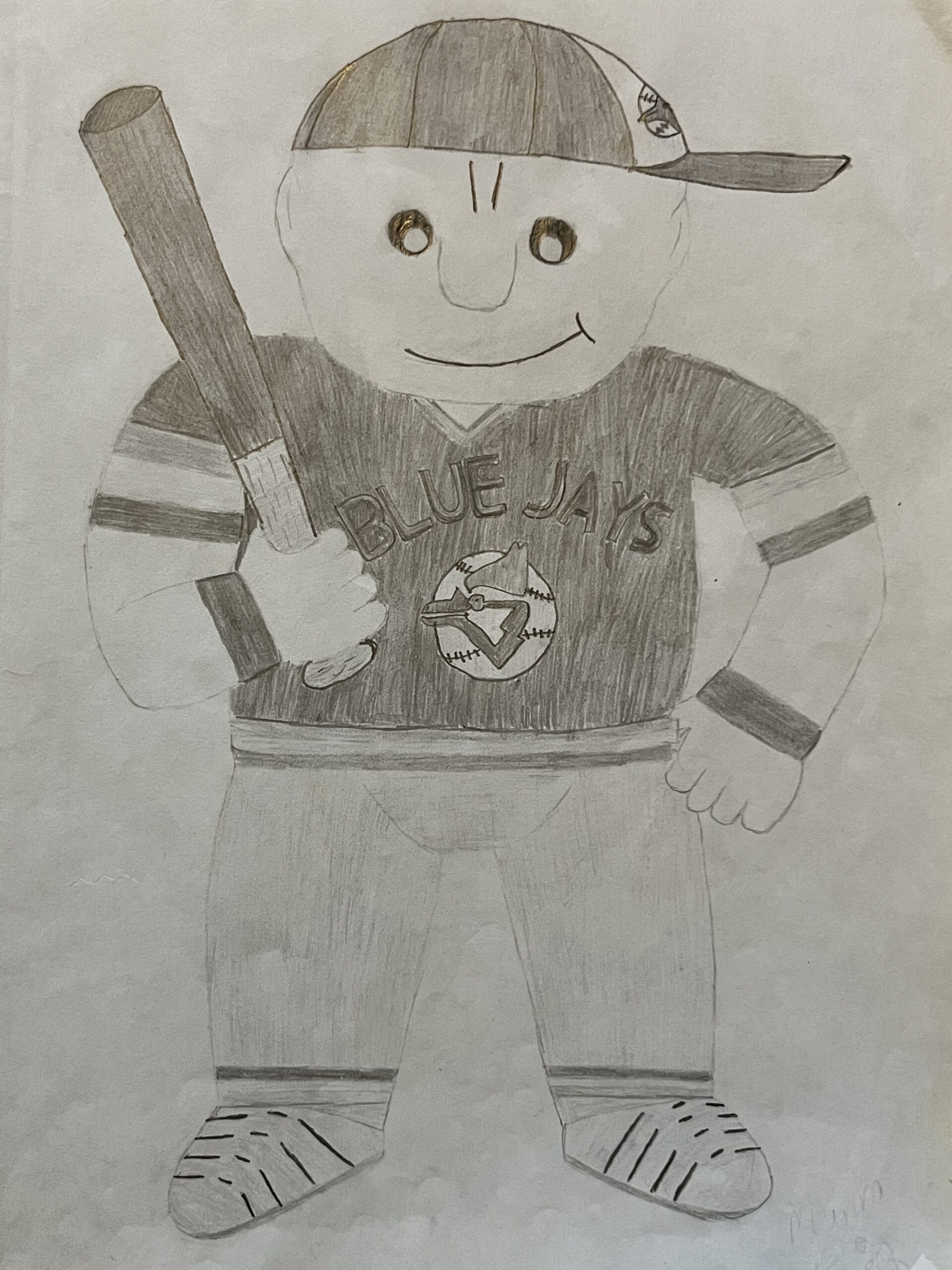
Blue Jays Guy