
Plans & designs to make tech better
Product Strategist β’ Officer β’ Developer
Interface Designer β’ Architect β’ Brander
The website Heartya was intended to be an entertainment website for sharing picks, lists, and rankings of great music, movies, shows, and games, but it was never fully created.



Contact


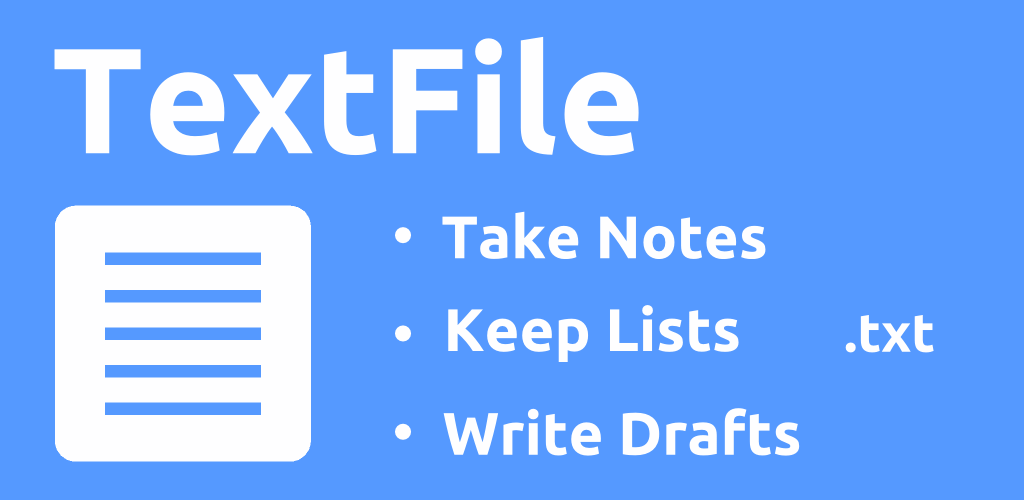
Simple, stylish and synced offline. Take notes everywhere.
Make your notes and lists simpler, faster, and synced offline. TextFile has a stylish modern look and a minimal aesthetic design, so you'll enjoy the time you spend writing and viewing all of your notes.
TextFile App - Download TextFile on the Google Play store. - Dropbox, Android
What Can You Use TextFile For?
- Notes - Notes, project notes, reference notes, notebooks.
- Lists - Lists, checklists, important info, things to remember.
- Writing - Journal entries, blog posts, email drafts, letters.
- Tasks - Tasks, to-do, projects, ideas, logbook.
- Notepad - Sticky notes, notes pad, scratchpad.
- Text - Text editor, plain text, edit text files.
Why Should You Use TextFile?
- Stylish - Simple Android app with a stylish modern look and feel.
- Simple - As simple and quick as pen and paper.
- Synced - Automatically sync and edit notes online and offline. (*Dropbox.)
- Compatible - Open, view, and backup text files on any computer.
- Folders - Organize your notes in folders and subfolders. (*Dropbox, *Premium)
- Unlimited - Make as many notes as you want. (*Dropbox, *Premium)
Where Can You Get TextFile?
- TextFile is available on the Google Play Store.
What Features Does TextFile Have?


*Dropbox - Requires free Dropbox account
*Premium - Requires TextFile Premium upgrade
TextFile App - Take notes everywhere. Simple, stylish, and synced offline. Download TextFile on the Google Play store now! - Dropbox, Android